The web app
Prepped in a browser uses the same account as the desktop app and can listen to a meeting in another tab. A few things still need the desktop app.
The web app is Prepped in any current browser, at /app/. It is the same online account as the desktop app and the phone version, so a meeting you prepare in one is ready in the others.
Home
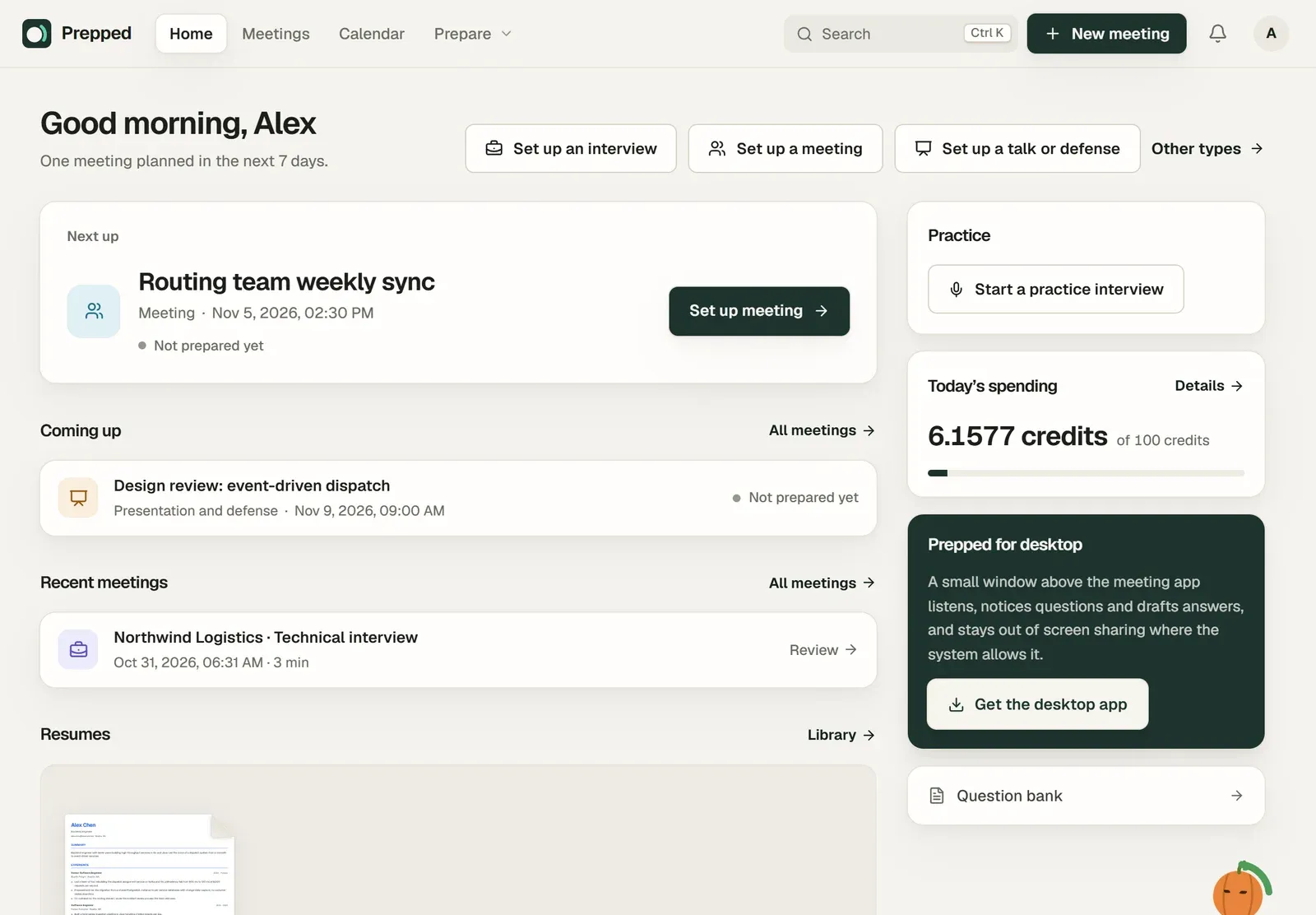
The web app opens on Home. It shows the next meeting, or the live one, with how far its preparation is, and below it your other meetings and what you have spent today.
The bar at the top holds the pages, search (Ctrl+K, or ⌘+K on a Mac), New meeting, the bell for Messages and the account menu. On a narrow screen the links fold into a menu under the bar.
Listening in the browser
A meeting in the web app listens through the browser, and each source waits for its button.
- System audio asks which tab, window or screen to share. Choose the tab of the meeting and turn on sharing its audio; Chrome and Edge share a tab’s sound.
- Microphone asks for the browser’s permission to use the microphone the first time.
Everything else works as in the desktop app.
What needs the desktop app
- The overlay hidden from screen sharing. A browser window cannot be left out of screen sharing; the web app’s answers show on the shared screen if you share that window.
- Project folders and Git repositories on your computer.
- The live translation beside the overlay.
- Global keyboard shortcuts and meeting detection.
- Meeting records on your computer.
The phone version is a set of pages of the web app, made for a phone.